Make and edit images without leaving Claude.
Describe what you need — a logo, an illustration, a product mockup, a blog header — and Claude writes a detailed prompt, generates it with OpenAI's image models, looks at the result and refines it with you. Edits keep the look of the original.
https://scribeimagine.com/api/mcpAdd it in Claude → Settings → Connectors. Setup guide →
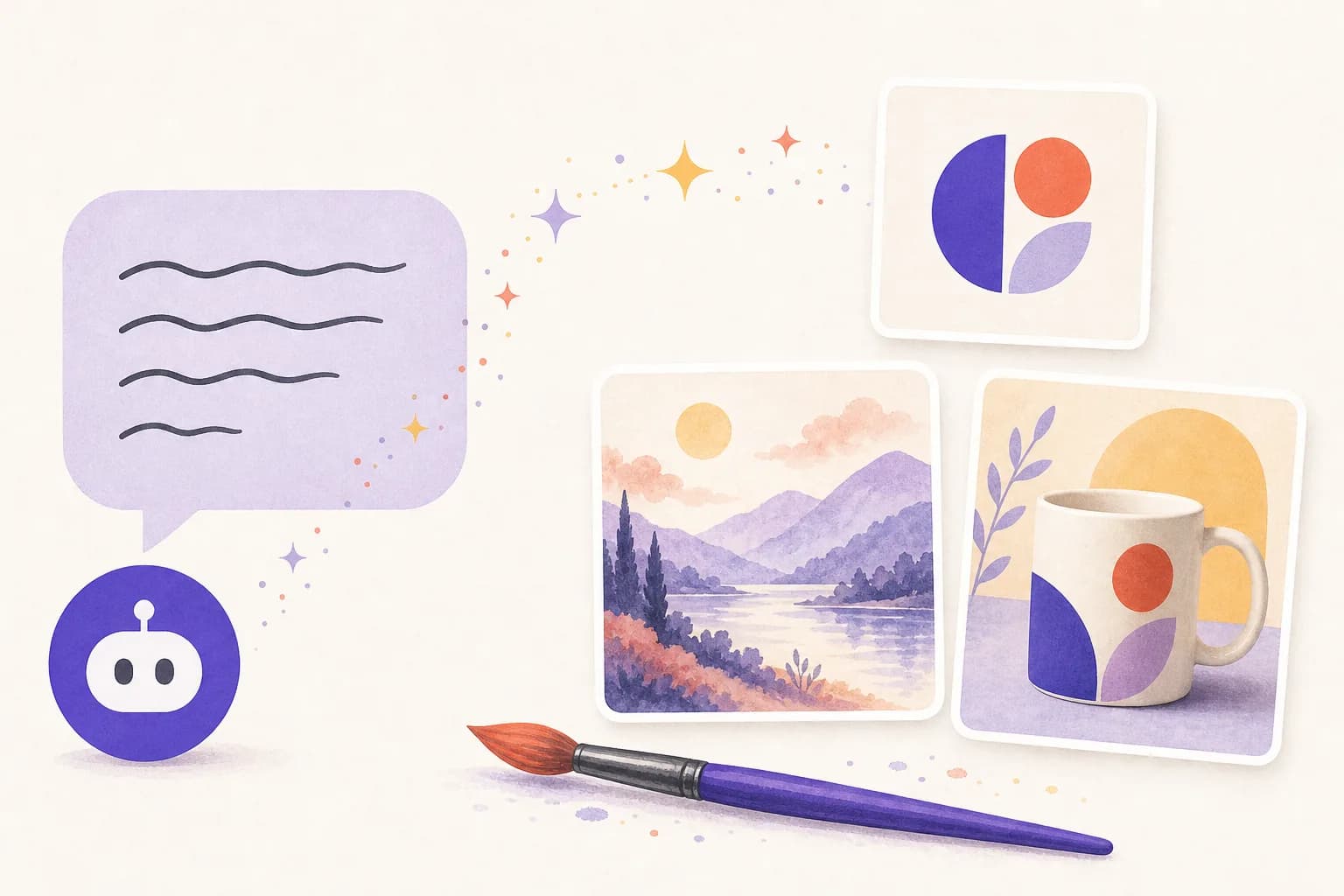
Claude writes the prompt
Say what you want in plain words; Claude turns it into a detailed prompt — subject, style, composition, colours, text.
Iterate by editing
“Darker background”, “drop the text”, “same logo on a mug” — each edit builds on the last image instead of starting over.
Your own pictures
Edit or combine photos and logos from a public link: product shots, headshots, brand assets.
Transparent PNGs
Logos and icons with transparent backgrounds, or small JPEG/WebP files for the web.
A gallery of everything
Every image lands in your account with a shareable link and a download button.
Start cheap
Explore at low quality for about a cent, then render the final at high quality.
Try asking Claude
- “Make a flat, friendly logo for a bakery called Crumb — try three directions at low quality.”
- “Take our logo from https://… and put it on a white ceramic mug, studio lighting.”
- “Create a 1536×1024 blog header about remote team rituals, warm illustration style, no text.”
Questions
Can Claude generate images?
Not by itself — but with the Scribe & Imagine connector Claude can create and edit images using OpenAI's gpt-image models, show you the result in the chat, and keep refining it.
Can it edit my own photos?
Yes. Give Claude a public link to a PNG, JPEG or WebP picture (a product shot, a logo, a photo) and describe the change; up to four pictures can be combined.
What sizes and formats?
Square, landscape or portrait, as PNG (with transparent backgrounds), JPEG or WebP, from low to maximum quality.
How much does an image cost?
At OpenAI's list price a square image is about $0.011 at low quality, $0.042 at medium and $0.167 at high. Free on top of that with your own OpenAI key; with prepaid credits we add a 20% service fee.
Where do my images go?
Into your account's gallery, with an unguessable link you can share or download. Delete an image and its link stops working.
Guides
- Writing image prompts that work: a practical guide — Subject, style, composition, light, and the words to put in the picture: a simple order for prompts that get the image you meant on the first or second try.
- What AI transcription and image generation actually cost — Real per-hour and per-image prices for OpenAI's speech and image models, how our credits add a published fee on top, and how to spend less.