Writing image prompts that work: a practical guide
· 6 min read · Image generation, Prompting
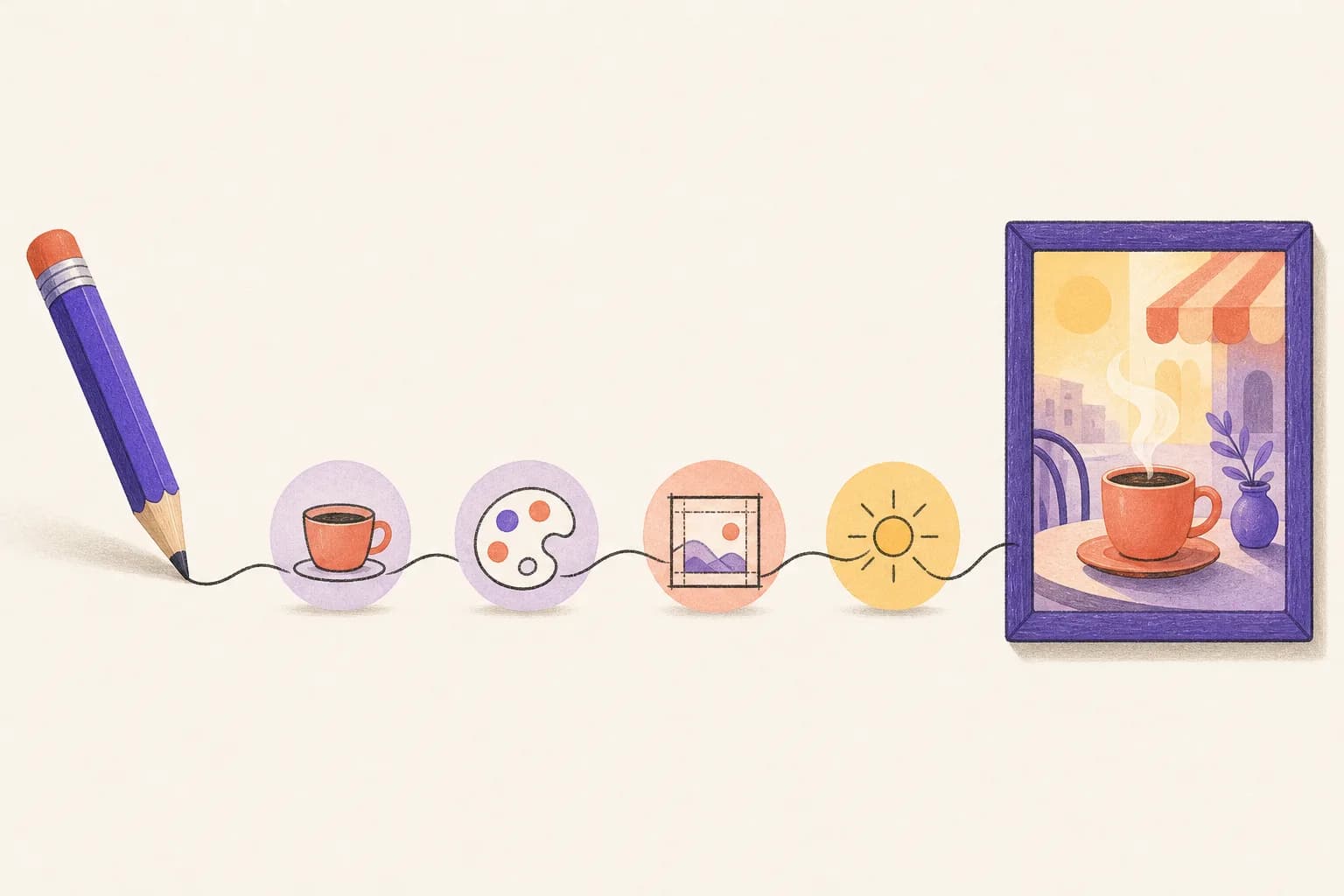
Image models do what you describe, so a vague description gets a generic picture. When you ask Claude for an image through Scribe & Imagine, Claude writes the prompt for you — but knowing what a good prompt contains helps you ask for the right thing, and makes your corrections land. Every image on this site, including the one above, was made with the connector using the approach below.
A simple order: five things to say
- Subject. What's in the picture, concretely. “A ceramic coffee cup with steam on a small round café table” beats “coffee”.
- Style. The medium and mood: “flat editorial illustration with subtle paper grain”, “watercolor”, “35mm photo, shallow depth of field”, “isometric 3D”.
- Composition. Where things go and how much room there is: “subject on the right third, lots of empty space on the left for a headline”, “seen from above”.
- Colour and light. Name colours exactly if you have them. Hex codes work: “palette strictly #f7f5f2, #5b3fd6 and #e0663a”. Light sets the mood: “soft morning light”, “neon at night”.
- Text and exclusions. If words belong in the image, put them in quotes exactly as they should appear. If they don't, say “no text, no letters, no logos” — otherwise models love to add fake writing.
An example
Weak:
A picture for my bakery's Instagram.
Strong:
Overhead photo of a rustic sourdough loaf with a cross-scored crust on a floured linen cloth, a few wheat stalks beside it. Warm natural window light from the left, soft shadows. Muted creams and browns with one sage-green accent. Square, the loaf slightly off-centre. Text at the top in a clean serif: “Fresh from 7am”. No other text.
You don't have to write the strong version yourself — tell Claude the purpose and any must-haves, and it writes the detail. But if the first result is off, the five points above are where to look.
Explore cheaply, then go big
Use low or medium quality while you're finding the direction: a low-quality square image costs about $0.011 and a medium one about $0.042 at OpenAI's list price. Once the composition is right, ask for high (about $0.17) for the final.
Edit instead of starting over
When the picture is close, ask for a change rather than a new one: “same image, but make the background dark green”. Claude uses the edit tool with the previous image, so the look carries over and only the thing you named changes. One change at a time works better than five at once. You can also edit your own photos — give Claude a public link and say what to change.
Get the format right
- Shape: square for social posts, landscape (1536×1024) for headers and slides, portrait (1024×1536) for stories and posters.
- Transparent background for logos and stickers — ask for PNG or WebP with a transparent background.
- WebP for the web: much smaller files at the same quality.
Keep a set consistent
For a series (blog covers, slides, product shots), repeat the same style sentence and palette in every prompt, word for word. That's how the illustrations on this site stay recognisably one set. Your recent images are all on your images page if you want to compare them.
More on what the connector can make is on the image generation page.