What AI transcription and image generation actually cost
· 5 min read · Pricing, Transcription, Image generation
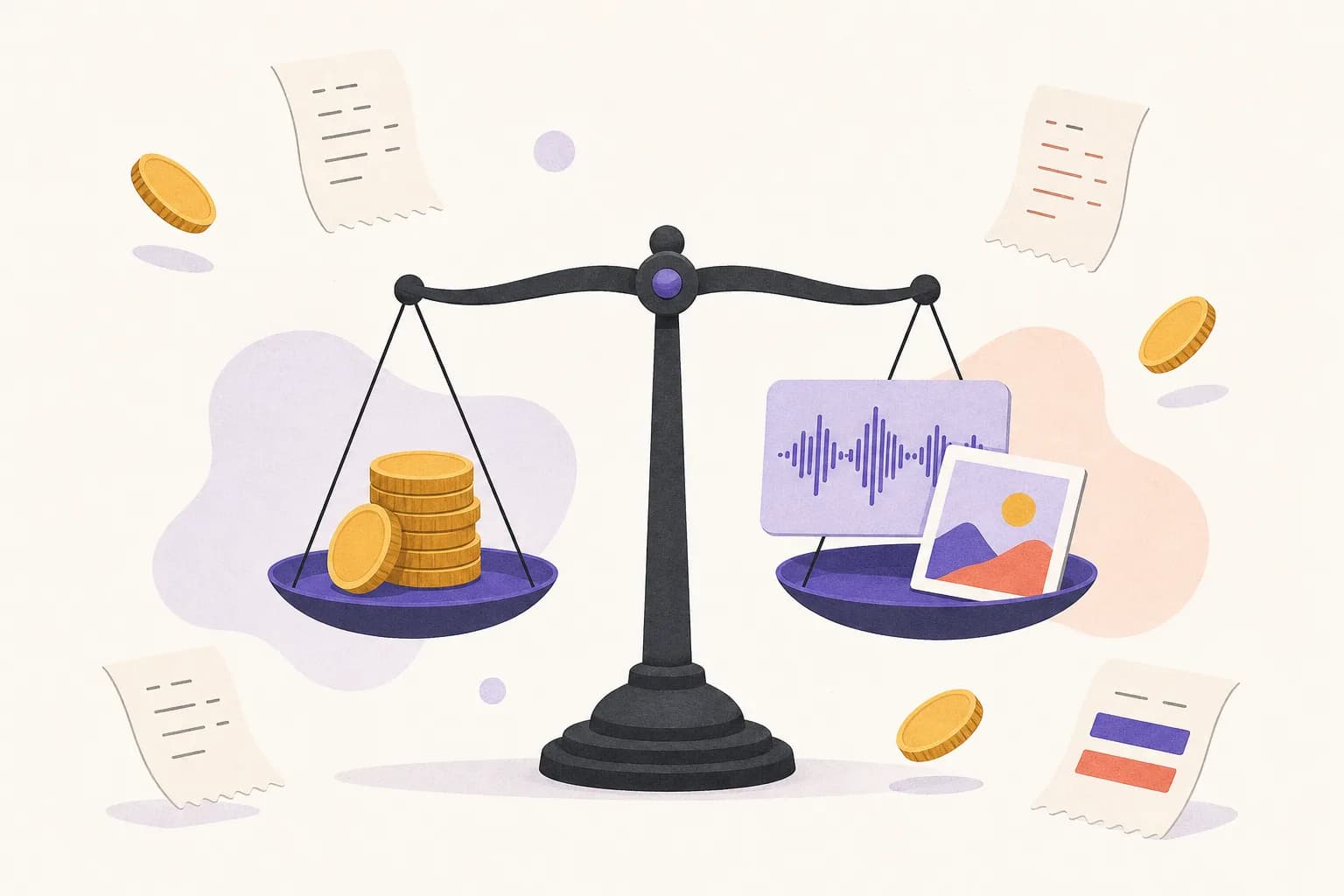
Most AI tools hide the price of the model behind a monthly plan. Scribe & Imagine shows it: either you use your own OpenAI key and pay OpenAI's list price directly, or you use prepaid credit and pay that same price plus a 20% service fee that's itemised on every job. Here's what things actually cost (OpenAI prices last checked 2026-10-28).
Transcription: priced per minute of audio
| One hour of audio | Own key | Credit |
|---|---|---|
| Fast quality (clear, simple audio) | $0.18 | $0.22 |
| Best quality | $0.27 | $0.32 |
| With speaker labels | $0.36 | $0.43 |
| With timestamps / subtitles | $0.36 | $0.43 |
You pay for audio that's sent, not the length of the file. For a plain transcript, pauses longer than two seconds are shortened first, which can take a good share off a meeting with long gaps — the result tells you exactly how many minutes were skipped. (Why and how is in how long recordings are transcribed.)
Images: priced by quality and size
| One image | Square | Landscape / portrait |
|---|---|---|
| Low quality | $0.011 | $0.017 |
| Medium quality | $0.042 | $0.063 |
| High quality | $0.17 | $0.25 |
These are OpenAI's list prices (with credit, add 20%). The exact charge depends on the model and how long the prompt is, so each result reports what OpenAI actually billed. For reference, the eight illustrations on this site were made at medium quality in landscape and cost about six cents each.
How credit works
- Top up any amount from $5 by card. The card processor charges a 3% + $0.30 fee, shown before you pay — so larger top-ups lose proportionally less to it.
- Before a job starts, its estimated cost is held from your balance. When it finishes, you're charged what OpenAI charged plus the service fee, and the rest of the hold goes back.
- Failed jobs cost nothing. Credit doesn't expire.
- Your account page lists every charge with the OpenAI price and the fee side by side.
Which should you pick?
If you already have an OpenAI account, use your own key: it's free on our side. If you don't want to set one up (OpenAI asks for identity verification before its image models can be used), credit is simpler, and the 20% fee is the price of that convenience. You can switch at any time on your account page.
Five ways to spend less
- Use fast quality for clear, single-speaker audio like voice memos.
- Only turn on speaker labels when you need to know who said what.
- Explore image ideas at low quality, and render only the keeper at high.
- Edit a nearly-right image instead of generating a new one.
- Never resend a job that's still running — check its status instead. Duplicate recordings are recognised and not billed again.
Prices are checked against OpenAI's published rates every week; the pricing page always has the current numbers.