Make SRT and VTT subtitles for any video with Claude
· 4 min read · Transcription, Subtitles, Video
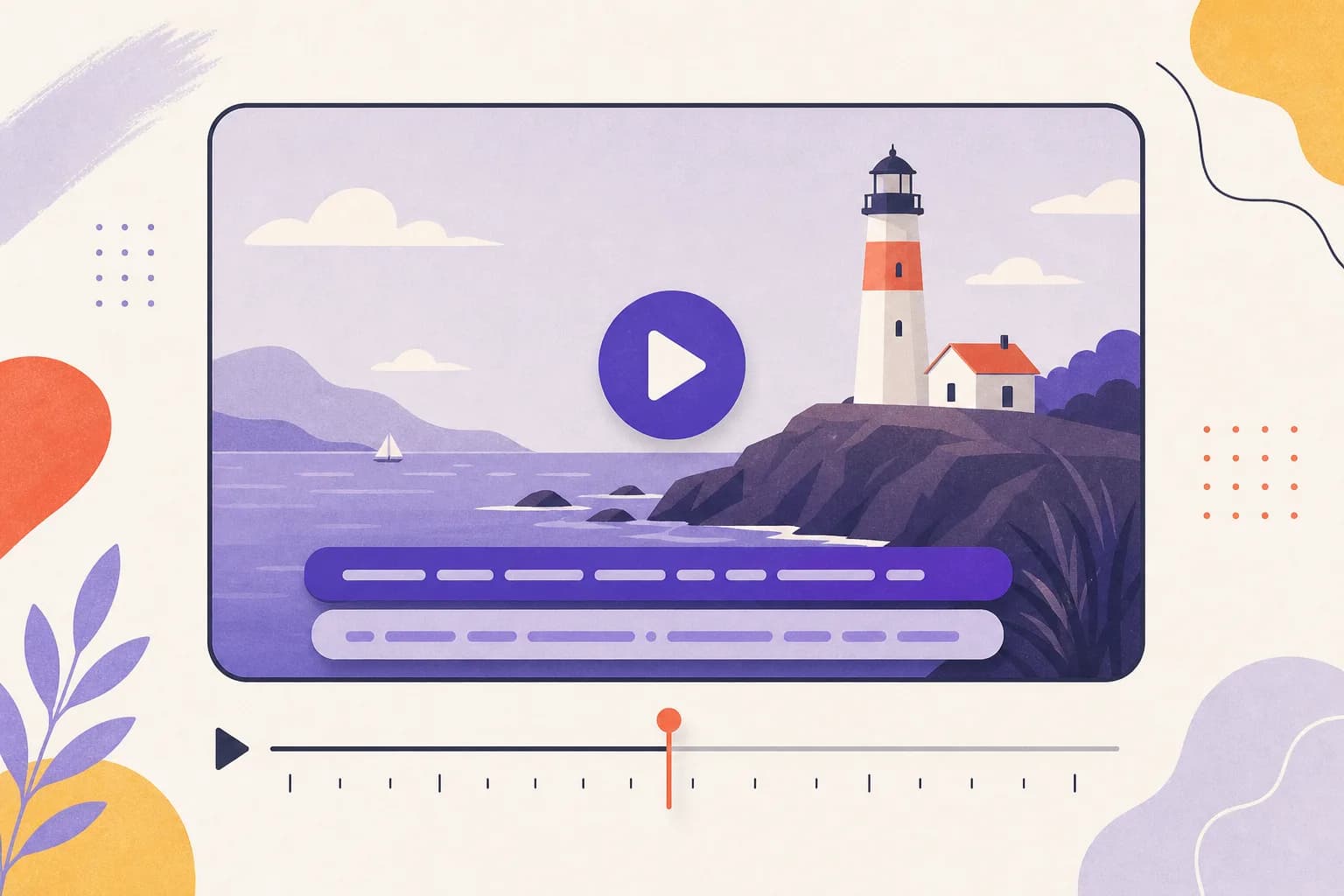
Captions make a video watchable on mute, accessible to deaf and hard-of-hearing viewers, and searchable. Most editors and platforms accept one of two formats — SRT or WebVTT — and Scribe & Imagine produces both from the same transcript.
SRT or VTT?
- SRT (.srt) is the most widely accepted: YouTube, Vimeo, Facebook, LinkedIn, Premiere Pro, Final Cut, DaVinci Resolve and VLC all read it.
- VTT (.vtt) is the web standard, used by the HTML
<track>element and most web video players.
If you're not sure, take SRT. You can download either at any time from the same transcript.
Step by step
- Connect Scribe & Imagine to Claude (see the setup guide).
- Put the video somewhere with a link — Google Drive, Dropbox, OneDrive — or upload it on the upload page. Only the soundtrack is used, so large exports are fine up to 450 MB.
- Ask: “Make subtitles for this video: <link>. It's a product demo for Lumen, our photo-editing app.” Mentioning the product name means it gets spelled right in every caption.
- Claude replies with a link to the finished transcript, where the .srt and .vtt files download with one click. It can also paste the subtitles straight into the chat if you ask.
Why the timing lines up
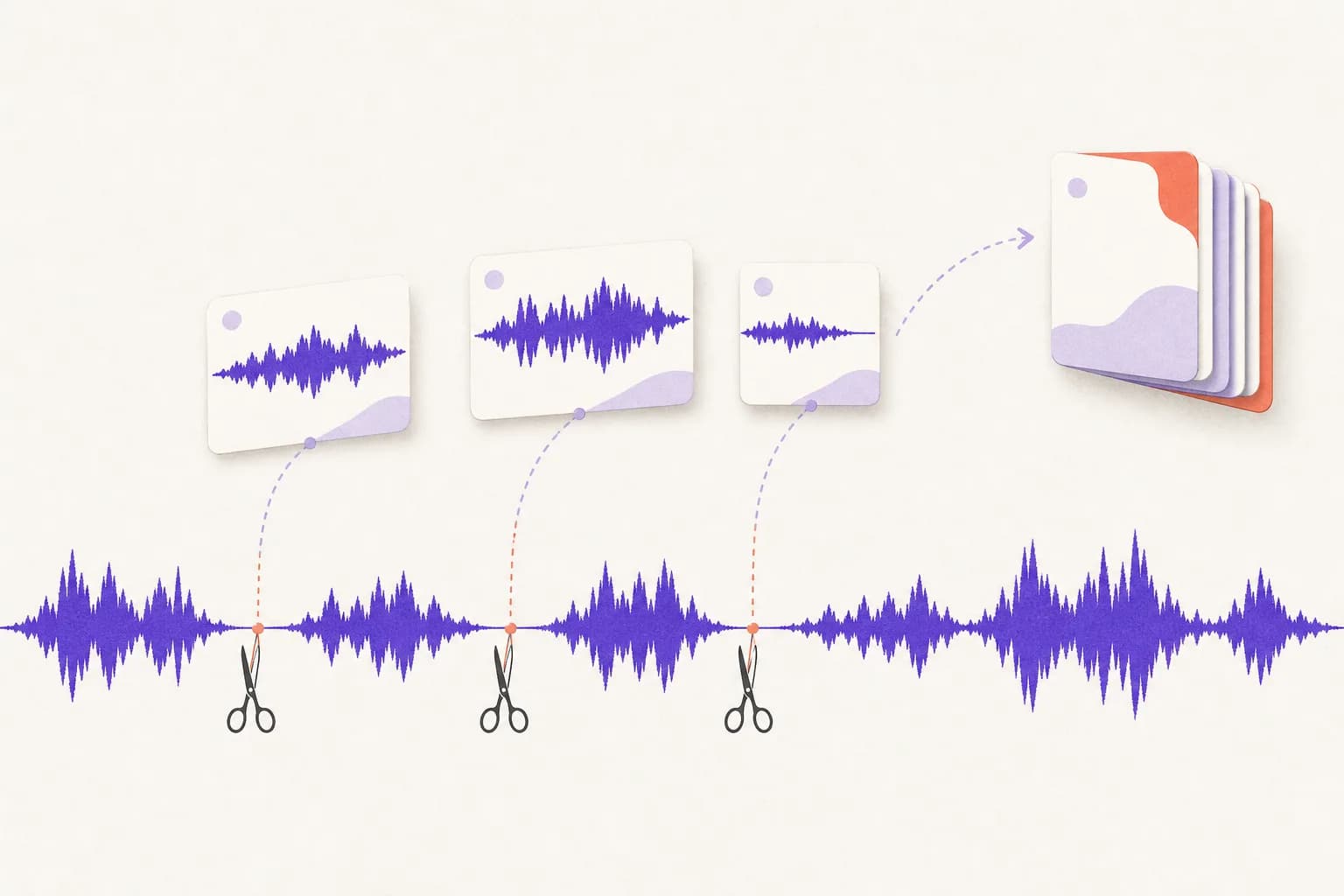
When you ask for subtitles, nothing is trimmed: the silences stay in so every caption lands on the original timeline. Long videos are still transcribed in parallel pieces, and each piece's timings are shifted back onto the full video's clock before the files are written. See how long recordings are transcribed for the details.
Fix a word without re-transcribing
If a name still comes out wrong, ask Claude to read the transcript, fix the word, and give you the corrected SRT. Re-sending the same file doesn't cost anything either — it is recognised and the saved transcript comes back.
Uploading to YouTube
In YouTube Studio, open the video → Subtitles → Add language → Add under Subtitles → Upload file → With timing, then choose the .srt file. Other platforms have a similar “upload captions” option.
Cost
Timed transcripts cost about $0.36 per hour of video at OpenAI's list price — free on top of that with your own OpenAI key, or $0.43 an hour with prepaid credit. See pricing.