How a 4-hour recording gets transcribed in a few minutes
· 4 min read · Transcription, How it works
Speech-to-text models have a limit on how much audio they accept in one request, and a single request for a long file is slow. A two-hour workshop or a four-hour deposition doesn't fit either constraint. Here's what Scribe & Imagine does instead, step by step, and why each step is there.
1. Strip it down to speech audio
The file is downloaded straight from your link and converted to a small mono MP3 — the format speech models are trained on. Video, extra channels and high sample rates are dropped; they make the file bigger without making the words clearer. A 400 MB video usually becomes a few dozen megabytes of audio.
While it converts, every pause of half a second or more is noted. Those pauses drive the next two steps.
2. Cut only where nobody is talking
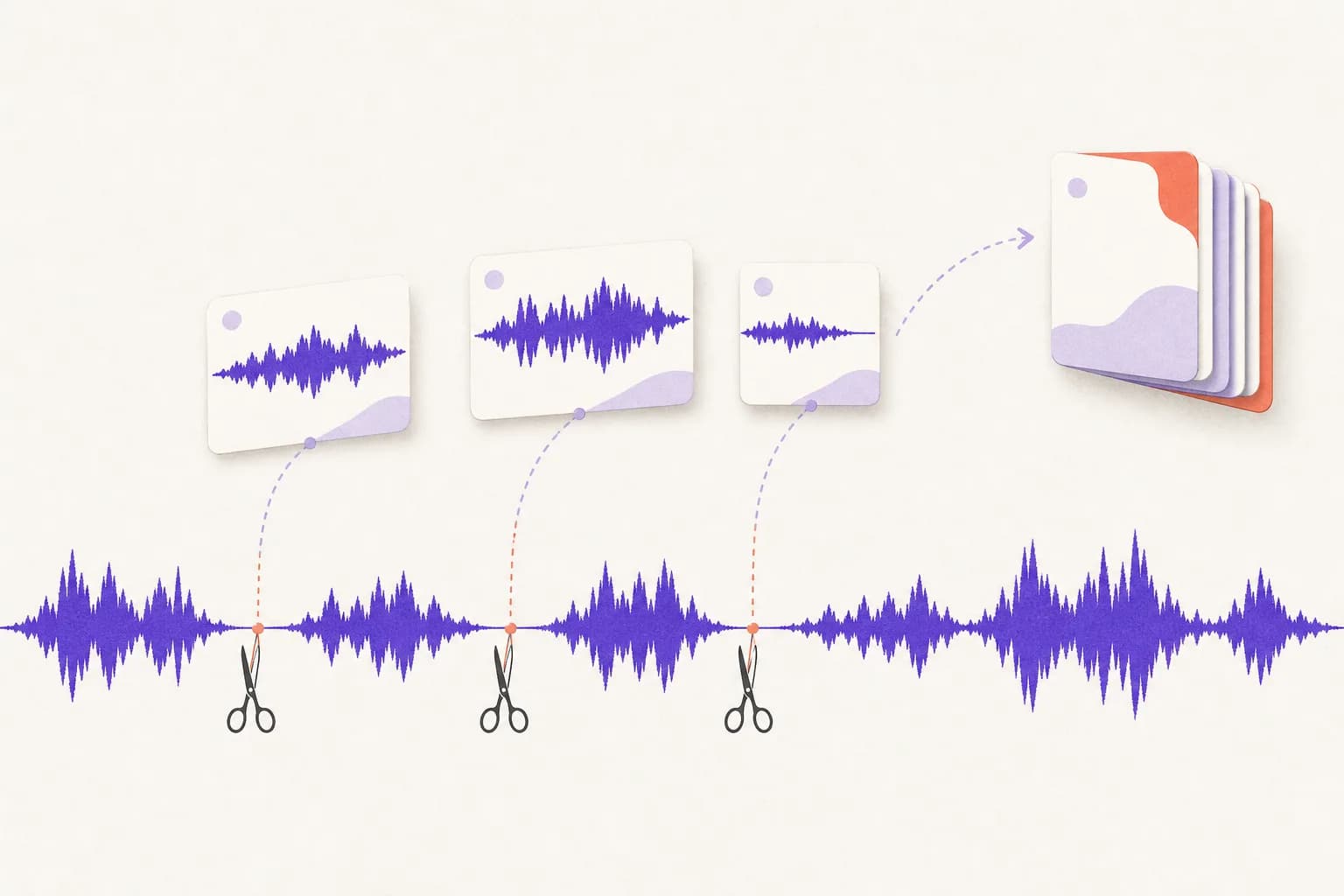
The recording is cut into roughly ten-minute pieces, but never at an exact ten-minute mark. Each cut goes inside the longest pause within a minute of the mark. A cut through the middle of a word makes the model guess at both halves; a cut in a pause costs nothing. So no sentence is ever split between two pieces.
3. Skip the silence you'd otherwise pay for
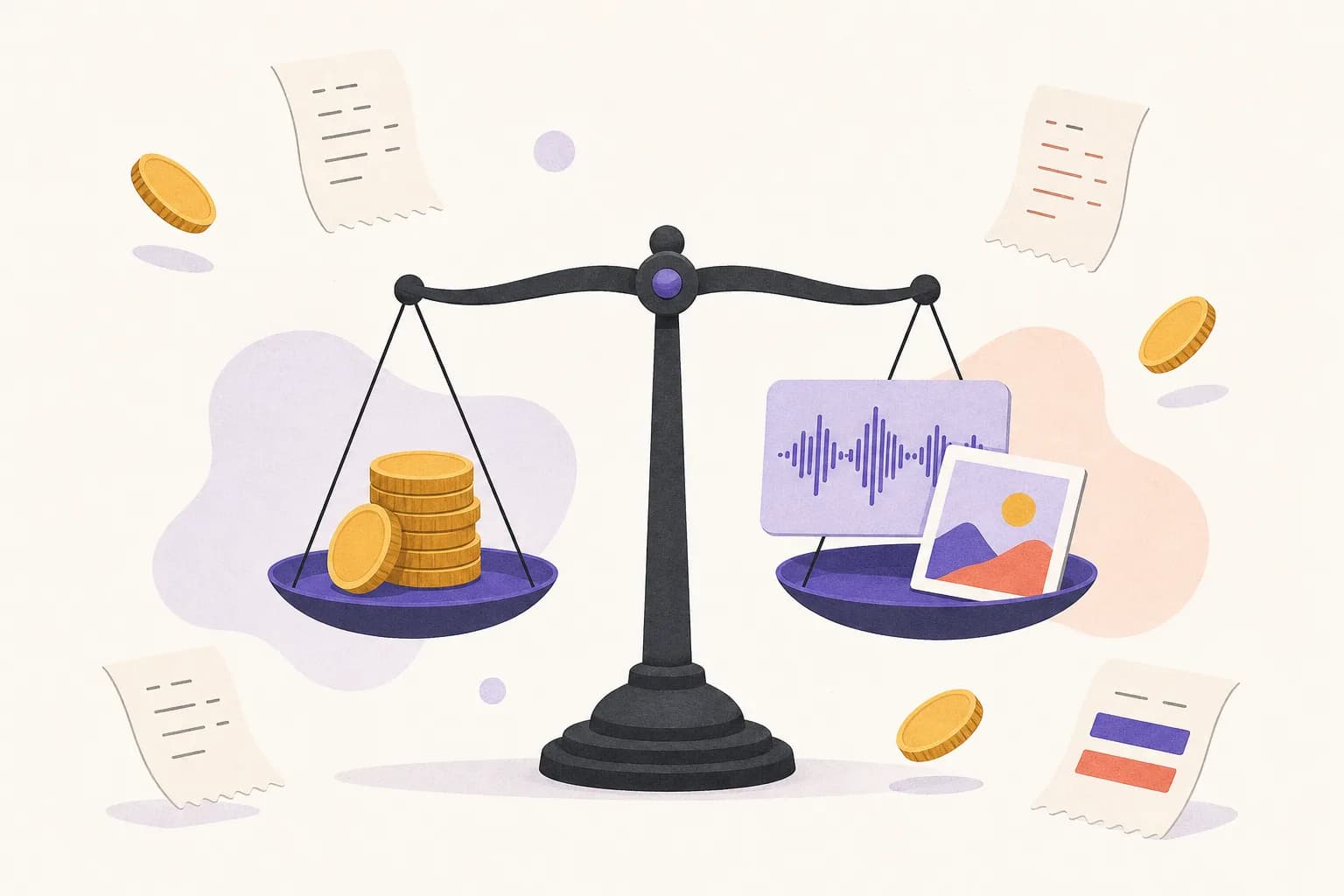
Transcription is billed per minute of audio sent, and real recordings are full of dead air: waiting for someone to join, screen-share fumbling, a break. For a plain transcript, every pause longer than two seconds is shortened to a fraction of a second before anything is sent. The result tells you how much was saved — something like “Shortened 14 min of silence, so you paid for 46 of 60 minutes”.
When you ask for timestamps or subtitles, silences are kept, because every line has to match the original timeline. With speaker labels, the pieces are kept in their original timing too, so the times on each paragraph point at the right moment.
4. Send the pieces in parallel
All the pieces are transcribed at the same time instead of one after another, so the total time is closer to the time for one piece than the time for the whole recording. A one-hour meeting usually comes back in about a minute. Longer recordings run in the background: Claude gets a job id and checks back after the suggested wait, rather than starting again (which would be billed twice).
5. Keep the same speakers across pieces
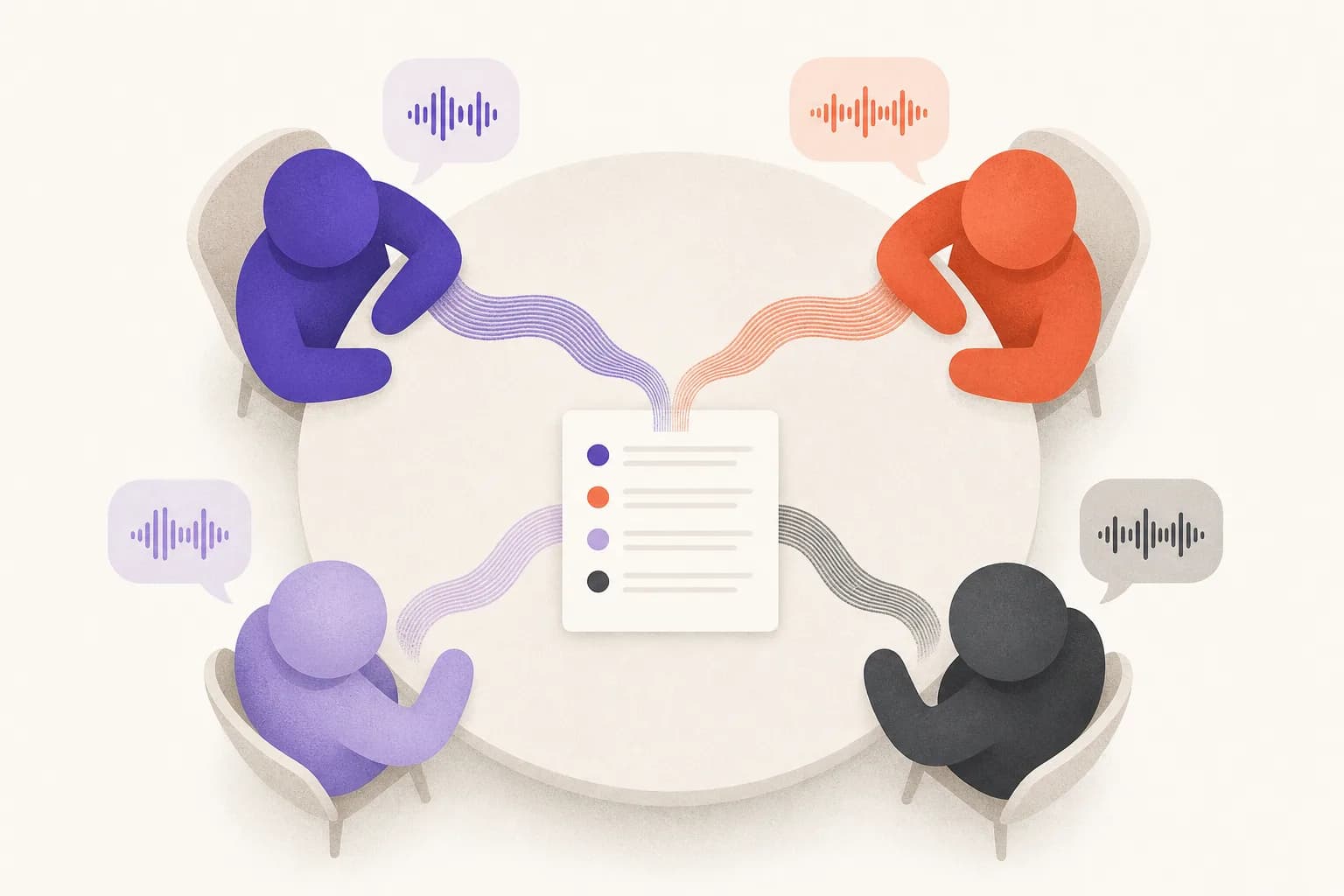
Each piece is transcribed separately, so on its own the model would happily call the same person “Speaker A” in one piece and “Speaker C” in the next. To prevent that, short clips of each voice from the first piece are sent as references with every later one, and the labels line up across the whole recording.
6. Stitch it back together
The pieces are joined in order, each one's timestamps shifted back onto the original recording's clock, and the transcript is saved to your account. Then the source file is deleted. If the same file is sent again, it's recognised and the saved transcript is returned instead of being paid for twice.
The upshot: up to 4 hours per file, results in minutes, and you pay for speech rather than silence. To try it, add the connector from the transcription page, or read how to transcribe a meeting with speaker names.